Dog and Cat Duet
Hotel Lobby AI video generator
Two photos. One original performance. Pick a person, pet or character for each side and make a Hotel Lobby AI duet in an orange booth, with an original beat, vocals and lip sync. Choose a vertical or wide clip, then download the MP4 to share.
Make your Hotel Lobby AI video
12 credits for this run
Aspect ratio
Quality
Duration
Left
Right
Your video appears here
Your video comes with an original beat and vocals. No original show footage, logos or song are used.
5 Lite videos from $4.99. No subscription, credits never expire.
Hotel Lobby AI duet examples
See how a pair of photo references can become one orange-booth performance. Try a person with their dog, an owner with their cat, or two pets taking turns at the mic. Use these photos to explore the form, or upload your own pair. Each new generation can have different gestures, expressions and audio; the examples show a direction rather than a guaranteed result.
Example scenes for inspiration. Your generated video will use your selected photos and an original beat and vocals.
How to make a Hotel Lobby AI video
Upload two photos
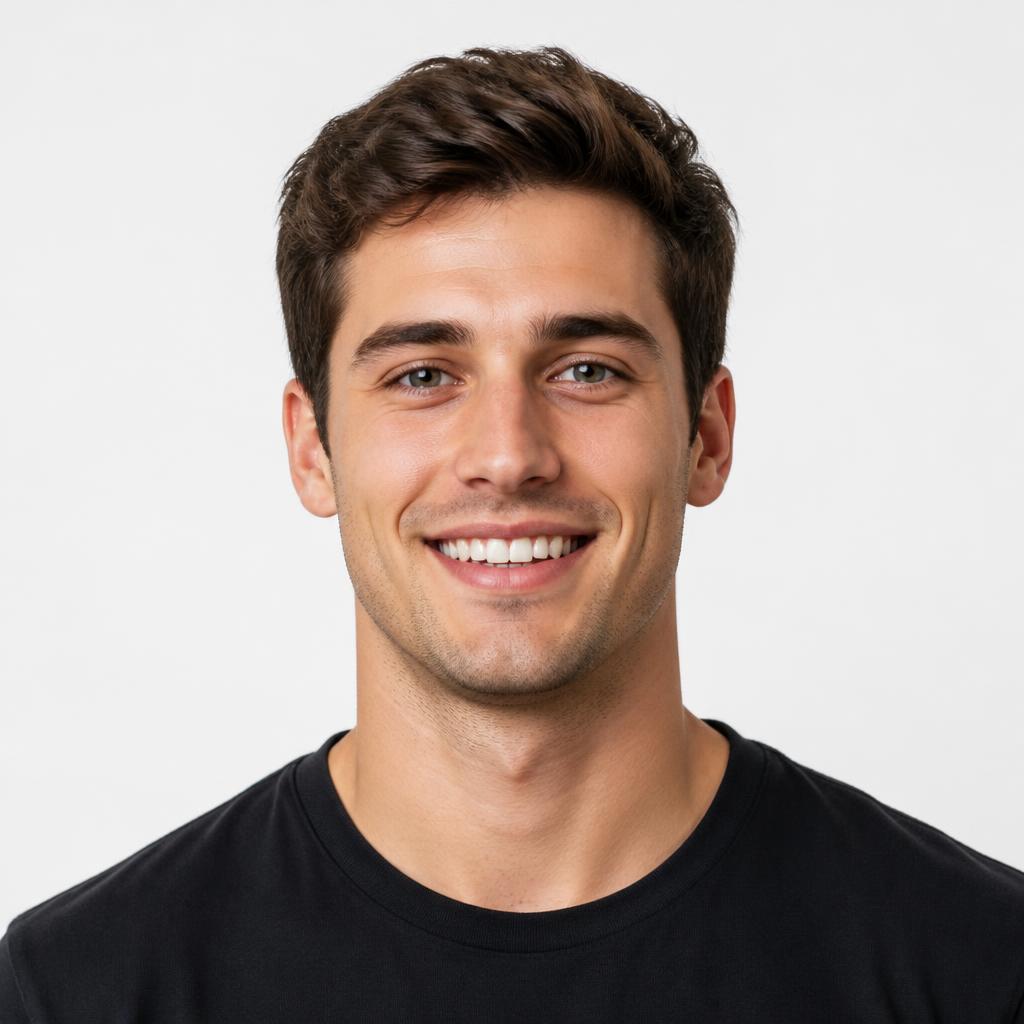
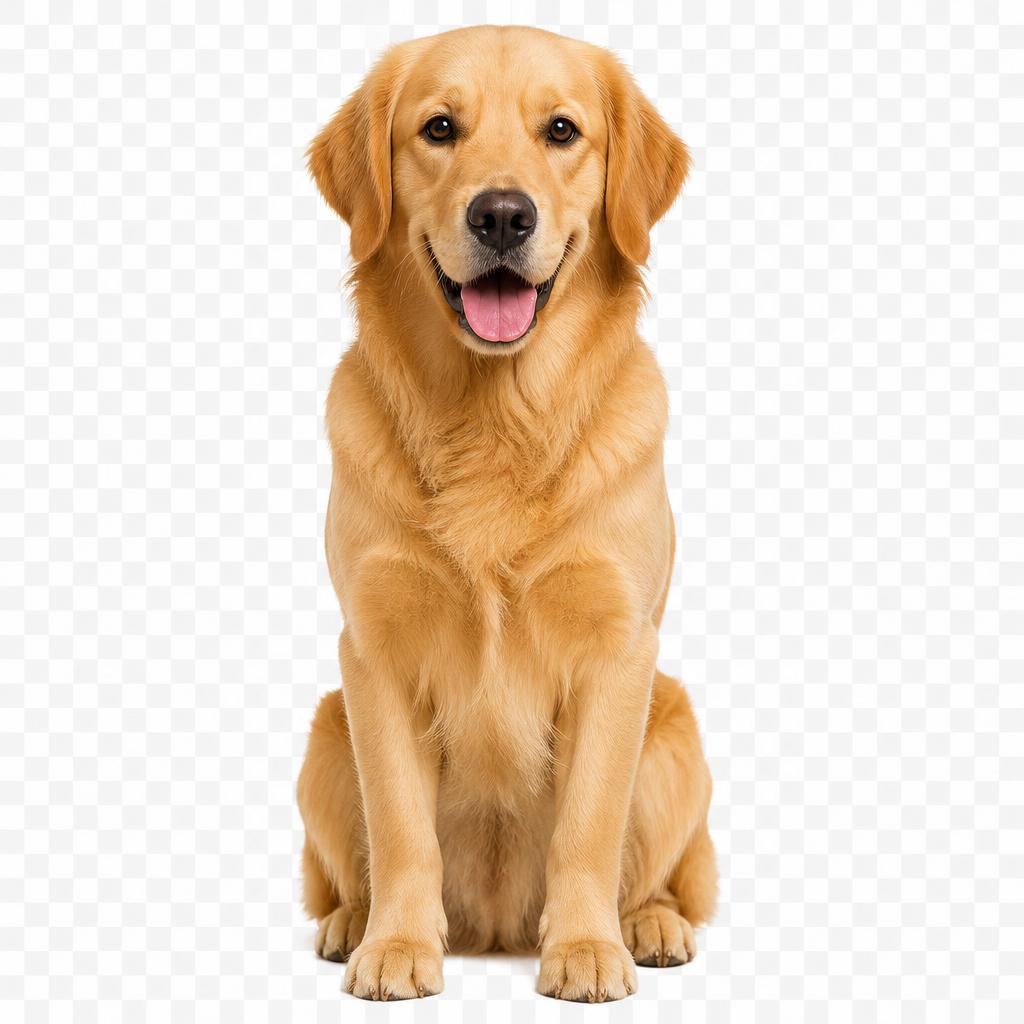
Choose one clear reference for each performer and place them in the left and right upload slots. Use two independent photos, not the first and last frames of a video. Check the previews before continuing: the subject you want should be easy to recognize, with their face or pet markings visible.
Choose your cut
Select Lite, Standard or HD, then 9:16 vertical or 16:9 wide and 5, 10, 15 seconds. Vertical works well for TikTok, Reels and Shorts; wide gives the duo more horizontal room. Add a brief Director's note if you want a particular accessory or reaction, and check the quoted credits.
Generate & share
Sign in and start your Hotel Lobby AI duet when both photos are ready. The generator builds the scene and requests original audio for the performance. Wait for the result, watch both performers throughout the clip and listen to the sound. Download the MP4 or find the saved result in My videos.
The trend
What is the Hotel Lobby AI filter?
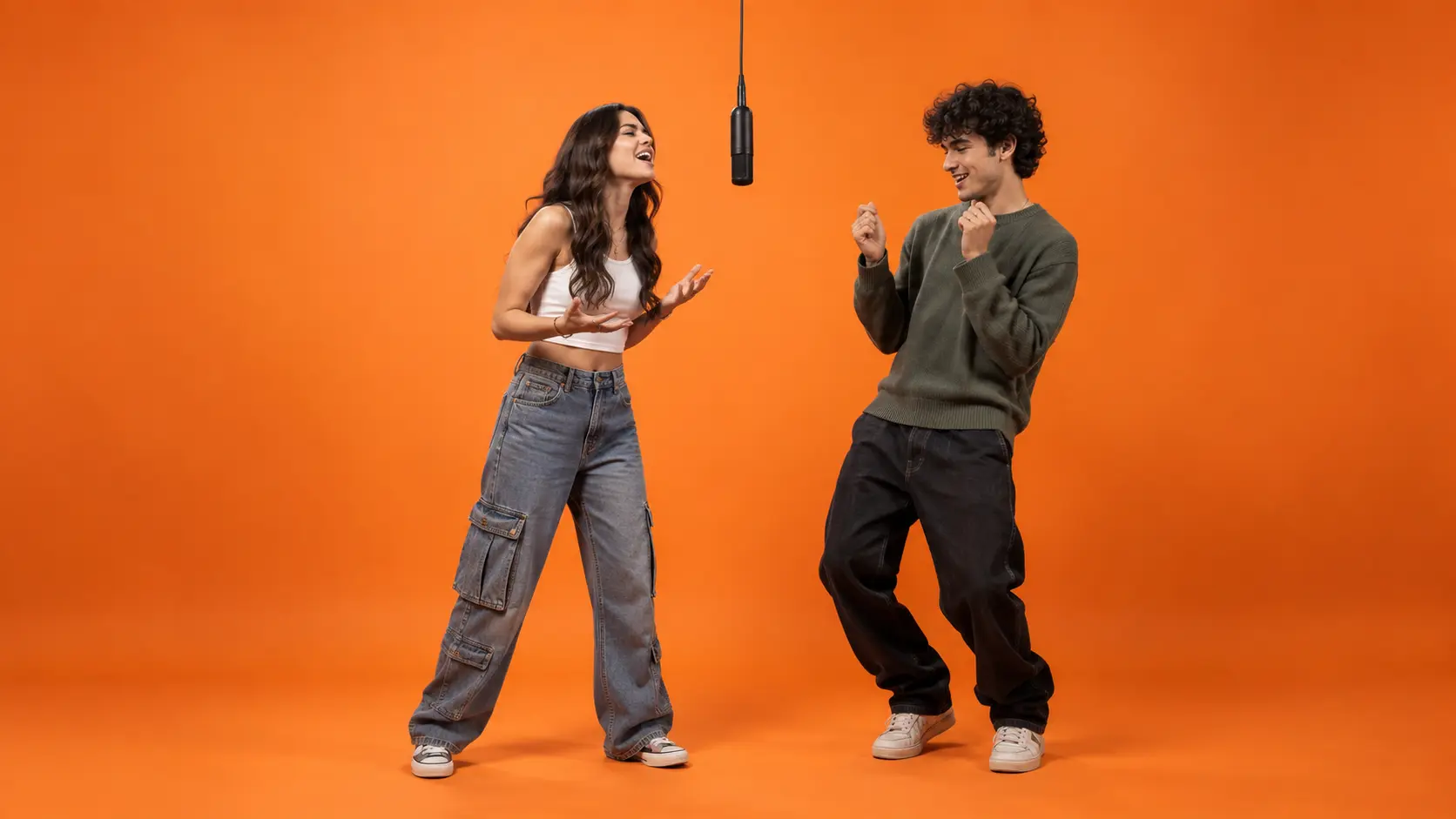
The Hotel Lobby AI trend uses a recognizable duet scene: two subjects in a vivid orange booth, one shared microphone and a back-and-forth performance. One leads while the other reacts, then they trade the moment. Changing the pair is what makes the setup fun to remix with friends, partners, pets or your own characters.
People often call it a filter or template, but this tool generates a new video from two photo references. It does not apply a live camera effect. The booth and duet direction are already set up, so you can choose your cast, format and short styling note without composing a full prompt or editing footage by hand.
This independent Hotel Lobby AI generator requests its own beat and vocals. It does not include the original performance footage, song or show branding. The scene is generated, so faces, movement and sound can vary; review the finished duet before you share it.
Hotel Lobby AI video features
Two-photo upload
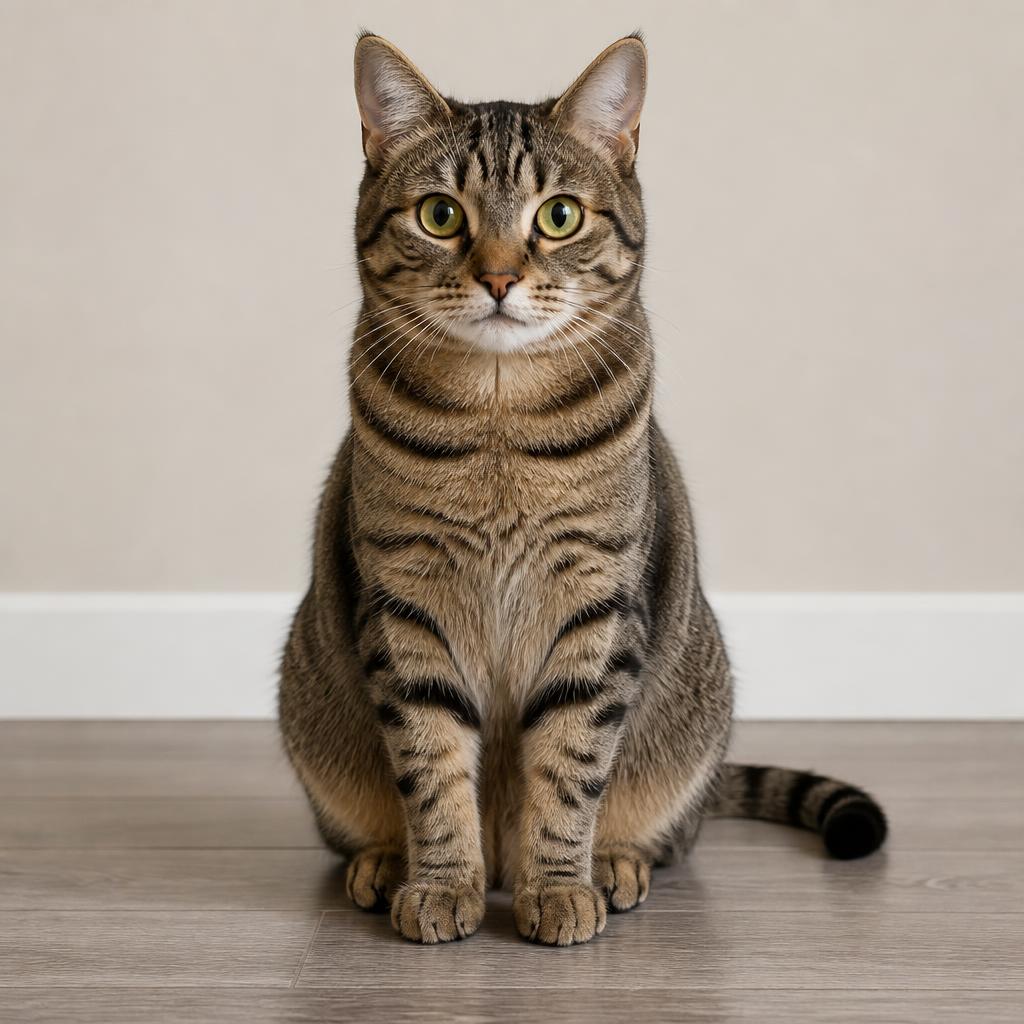
Put two people, characters or pets into one booth using separate photo references. Friends can appear together even when their portraits were taken in different places. Choose a pairing with distinct looks so both performers are easy to follow.
Vertical-ready
Make a 9:16 cut for Reels, Shorts or TikTok, or choose 16:9 for a wide duet. Pick the framing before you generate so the scene fits your intended screen.
Original beat & vocals
Generate a performance with an original AI beat and vocals, with mouths directed to move in sync. Listen to the entire clip when it finishes and check the timing before sharing your duet.
Director's note
Give the duet a little personality in your own words. A short note can describe a playful entrance, an accessory or how the other performer reacts. Keep the direction simple so it supports the two-person scene.
The cat wears sunglasses and takes the second verse.
Better photos for your Hotel Lobby AI duet
Show one clear subject
Choose one person or pet per photo, with an unobstructed face and enough visible clothing or fur to establish their look. Avoid tiny faces, heavy filters and screenshots with text over the subject. Crop away distracting people while leaving room around the head. A useful reference tells the model who belongs on each side of the Hotel Lobby AI video.
Use compatible portraits
Similar camera angles and even lighting give the duo a clearer starting point. The photos do not need matching backgrounds, but strong shadows and a large difference in face size can make the pairing harder. For pets, keep ears, eyes and distinctive markings visible. Check both uploaded previews before paying for a run; replace a weak reference before trying to fix it with a long note.
Review both performers
Watch the opening, middle and final moments of your Hotel Lobby AI clip. Check that each performer stays on the intended side and keeps their own face, outfit or fur pattern. Look for changes around hands, paws and the microphone, then listen for audio timing. If the result needs work, change one photo or one direction at a time so you can tell what helped.
Hotel Lobby AI Director's note ideas
The generator already supplies the orange booth, two fixed sides and original audio. Use the optional note for one small creative detail, rather than pasting a full template prompt. For friends, try “The left performer makes a playful entrance while the right performer nods.” For pets, try “The cat wears sunglasses and takes the second verse.” For a couple, try “Both performers smile and trade relaxed reactions.” These are directions, not exact controls. Avoid conflicting requests such as swapping sides or adding extra performers, and keep the note within the character limit shown in the form.
Hotel Lobby AI FAQ
What is the Hotel Lobby AI trend?
Hotel Lobby AI turns a pair of photos into a short duet in an orange studio booth. Two performers share one microphone, take turns leading and react to each other. This generator creates a new performance with original audio rather than putting faces onto existing show footage.
How many photos do I need?
Use two separate photos: one reference for the left performer and one for the right. A group photo is not a substitute for the two inputs here. Upload JPG, PNG or WebP files, each up to 10 MB. Keep each subject easy to see and avoid collages or faces hidden behind objects.
Is Hotel Lobby AI free to use?
You can view examples and set up your photos before buying credits. Video generation is paid. The entry pack is $4.99 for 60 credits, enough for 5 5-second Lite clips or one 5-second Standard clip. Packs are one-time purchases with no subscription, and credits never expire. Check the displayed cost before each run.
Which video formats and quality options can I choose?
Choose 9:16 vertical or 16:9 wide, and 5, 10, 15 seconds. Lite and Standard output 480p; HD outputs 720p. Quality and duration change the credit cost. Start with a short clip to review your pairing, then choose the format that fits where you want to share it.
Can I use photos of other people?
Only use photos you have the right to use, and get permission from anyone appearing in the duet. Pets and your own fictional characters can also be references. Do not upload minors, intimate photos, or images intended to impersonate or harass someone. Review the result before sharing it with others.
Does my video include the original song?
The generator requests an original AI-generated beat and vocals with lip sync. It does not include the original Hotel Lobby song, show footage or branding. Listen to the result as well as watching it: timing, lyrics and mouth movement can vary between generations. You cannot select the original track in this tool.
How long does generation take, and where is my video saved?
Generation usually takes a few minutes, depending on the model and demand. The page shows progress after your photos upload. You can leave and return to My videos to find the result. When the clip is ready, use Download MP4 to save it and review the full video before posting.
What if generation fails?
Credits are reserved when a run starts and released if the task fails. A slow task may still be processing, so check its status before starting another run. If a completed clip has an unwanted visual detail, adjust the photos or note for a new paid generation; AI results can vary.
Make your Hotel Lobby AI duet
Choose your pair, upload two clear photos and give them their own original performance. Start with a short clip, review the result and download your orange-booth duet when it is ready.
Make my video